
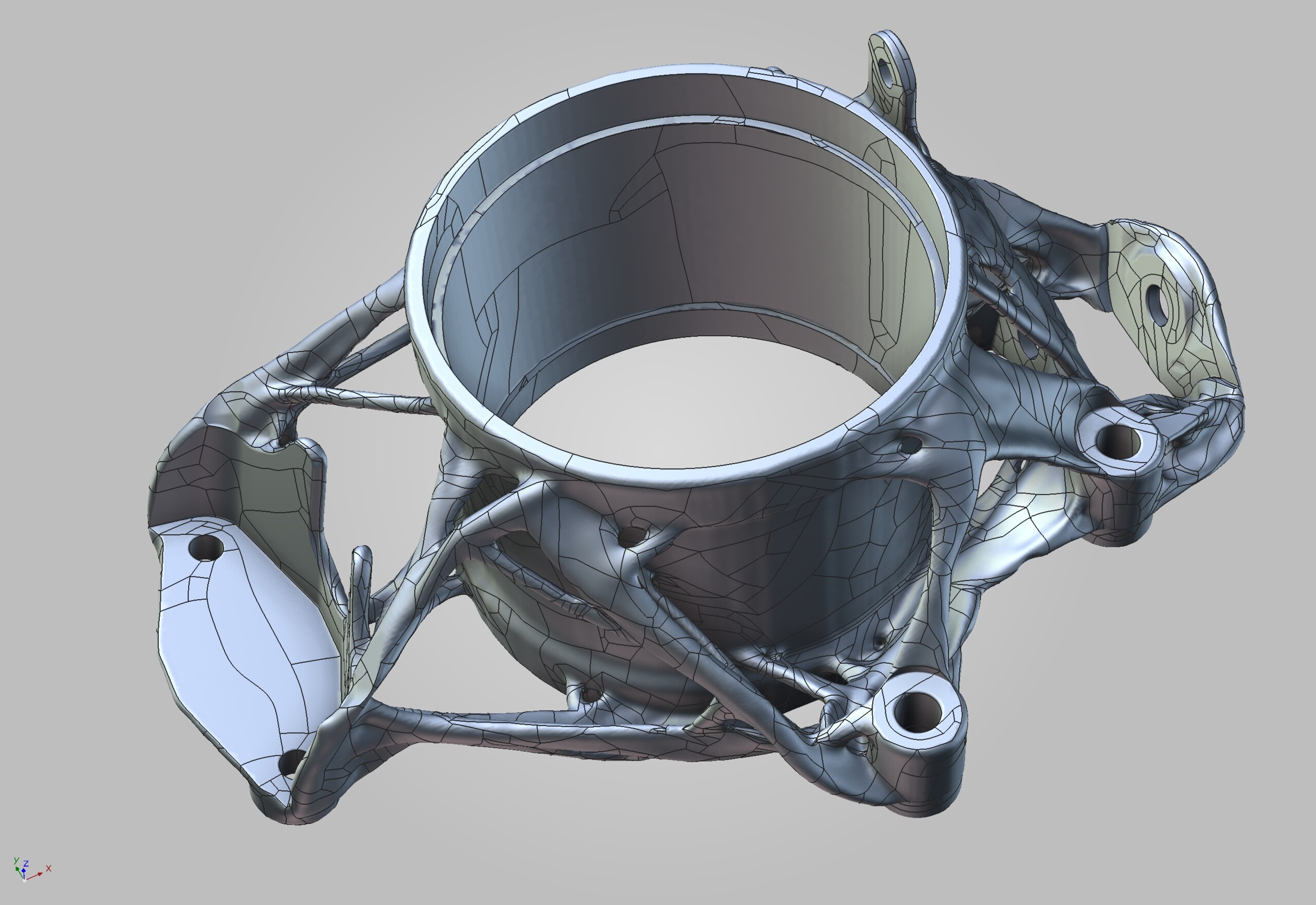
VG software lets you work with any type of geometry data—computed tomography data as well as CAD, mesh, and point cloud data.
VG software:
- Supports CT data from various vendors.
- Imports point cloud and meshes in STL, OBJ, and PLY files, including textured meshes and coloured point clouds.
- Understands all neutral CAD data types (STEP and IGES) in its basic edition.
- Automatically translates CAD views into bookmarks.
- Repairs and optimizes corrupt CAD and mesh data during import.
- Offers enhanced auto-completion modes.
- Replaces CAD geometries with matching geometry elements such as planes, cylinders, etc.
- Imports native CAD files from CATIA, JT, Unigraphics/NX, Creo, SolidWorks, and Solid Edge with the CAD import function. */**
- Supports PMI Import (Product and Manufacturing Information) for all major CAD formats providing additional part information such as dimensions, GD&T, layers, annotations, and captions (MBD, model-based definition). Processes can be automated using macros, batch processing, and templates.
- Saves a considerable amount of time since measurement plans no longer need to be created manually from technical drawings.
- Increases efficiency of your quality control by smart conversion of PMI data.
* CAD translation technology supplied by Tech Soft 3D
** Supported CAD formats of the CAD import function: CATIA V4 (up to 4.2.5), CATIA V5 (up to V5 6R2026), JT (up to 10.11), Unigraphics/NX (Unigraphics 11 to NX2512), Creo (up to 13.4.0), SolidWorks (97 to 2026), Solid Edge (2019 to 2026)