
Our Starter package provides the essential knowledge you need to get started with the software confidently.
Build a solid foundation and seamlessly continue your learning journey with our tutorials.
Access them directly in the software via Help > Show tutorials.
Get familiar with the user interface and learn how to customise your workspace.
Learn how to import data and open projects.
Watch the video
Learn how to navigate the software and get familiar with the most commonly used keyboard shortcuts.
Watch the video
Learn how to approach analyses, apply presets, and benefit from helpful guidance along the way.
View user guide
Discover how to generate reports quickly using predefined layouts or create fully customised reports tailored to your needs.
Watch the video
Learn how to save your work and export project data in the format you need.
Watch the video
Apply what you've learned in a practical exercise and gain hands-on experience with a real-world example.
View the step-by-step guide for VGSTUDIO MAX
Discover how to expand your skills, deepen your knowledge, and continue your learning journey.
View next steps
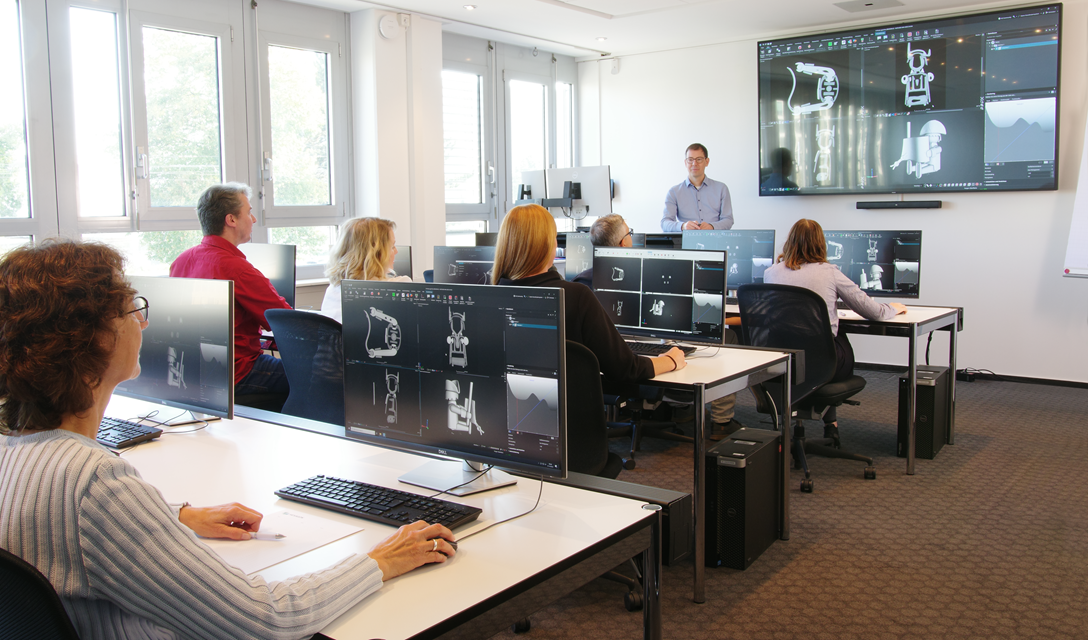
Discover structured learning paths for every skill level, available as classroom trainings or flexible e-learning courses.
View training options